

Tracking conversions is essential for assessing the effectiveness of your campaigns. AdOperator makes it easy to set up conversion tracking using a global postback.
Setting Up Conversion Tracking
Important: Add the {conversion} Token to Your Campaign URL
To track conversions correctly, advertisers should add the {conversion} token to the campaign URL. This token generates and passes the click ID, which is later used in the postback URL to attribute conversions to the correct click, campaign, and traffic source.
{conversion} – Unique click ID used for conversion tracking. Add this token to your campaign URL, for example ?clickid={conversion}, so the click ID can be passed to your landing page, stored, and later sent back through the postback URL for accurate conversion attribution.
Example campaign URL:
https://example.com/landing-page?clickid={conversion}
When a user clicks the ad, AdOperator replaces {conversion} with a unique click ID. This click ID should be stored on the advertiser’s side and then passed back to AdOperator through the postback once the conversion happens.
Example postback URL:
https://go.adoperator.com/postback?clickid={conversion}
Using the {conversion} token is essential for accurate conversion tracking, campaign optimization, and performance analysis. Without this token in the campaign URL, the system may not be able to match the conversion with the original click.
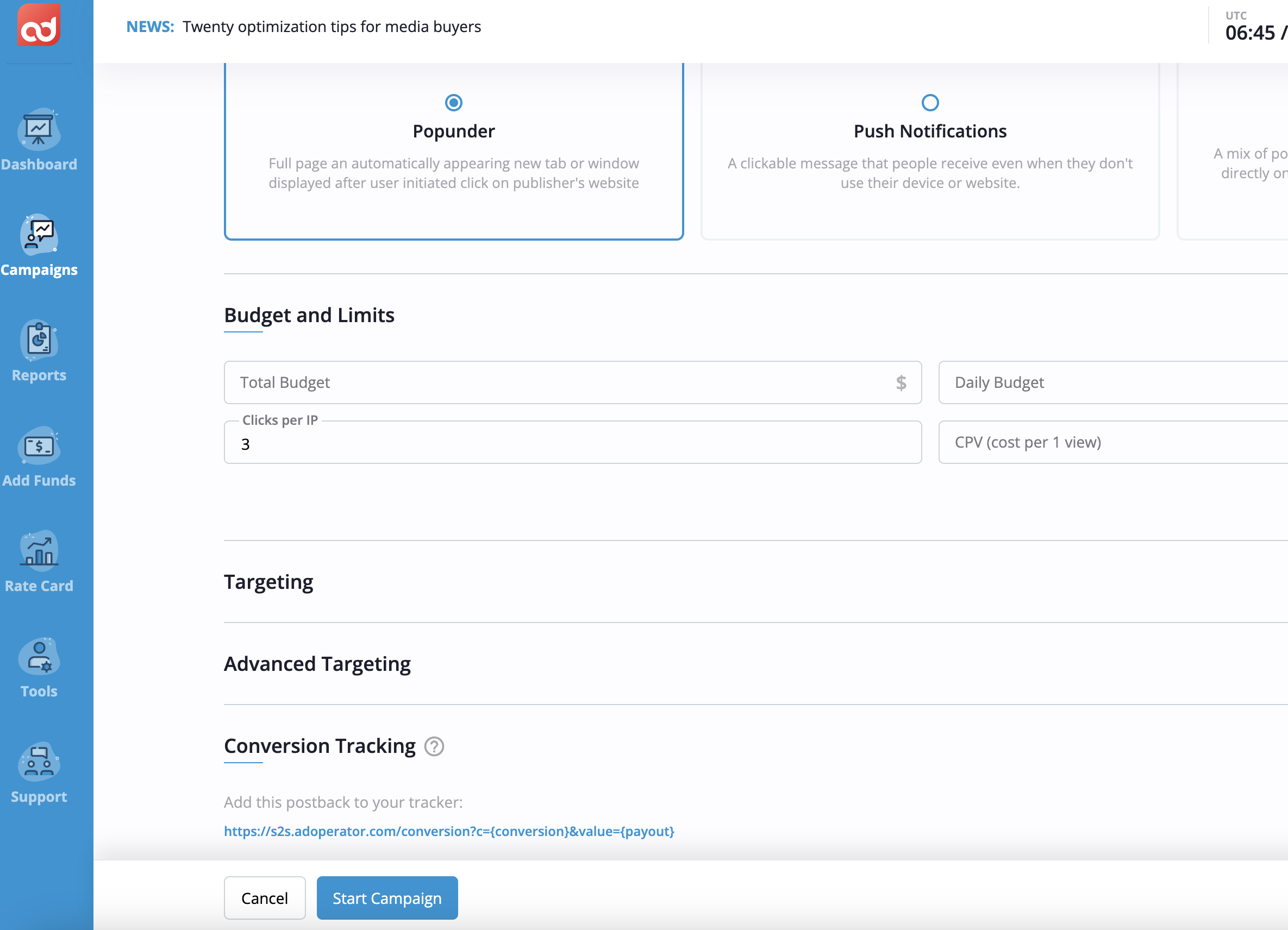
Locate the Global Postback URL: On the campaign page, you’ll find the global postback URL. This URL is key for integrating your tracking system with AdOperator, enabling you to capture conversions accurately;
Integrate with Your Tracking System: Copy the global postback URL and configure it in your tracking system according to the platform’s guidelines. This setup will allow your system to register conversions generated by your ads in real time.
Need Help?
If you have questions during the setup process, you can reach out to your dedicated account manager or contact support via live chat. The support team is equipped to guide you through tracking setup and address any issues you encounter.